
 01 / THE ORIGINAL
SMALL COIN. BIG COMMUNITY.
LAUNCH COINS.
BUILD TOGETHER.
Create your coin on pump.fun.
Choose creator fees or holder rewards.
Give your community a place to start.
THE TOKI LAUNCH ROOM
COIN → FEES → COMMUNITYAN ALLOCATION IN MOTION.
- 01 Make a coin
- 02 Plan the split
- 03 Build together
BUILD YOUR ALLOCATION
A FAIR LITTLE SPLIT.
UNITS
Enter an amount to try the split.0%70%
- Community rewards
- units
- Creator 30%
- units
- Project 20%
- units
This split is a planning example.
Choose the actual fee mode when you launch.
EVERY COIN STARTS SOMEWHERE.
FIND YOUR LITTLE FACE.
01 / THE ORIGINAL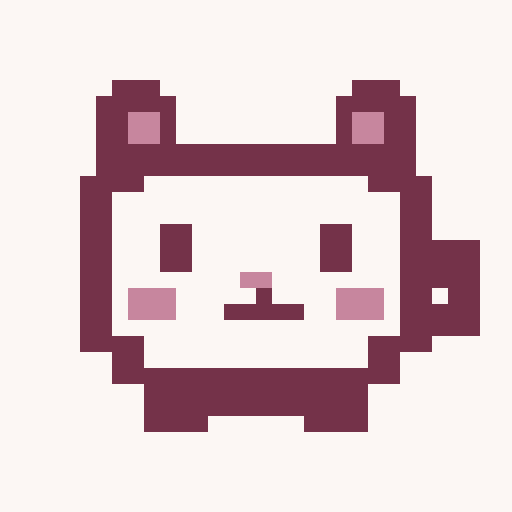 02 / THE NIGHT SHIFT
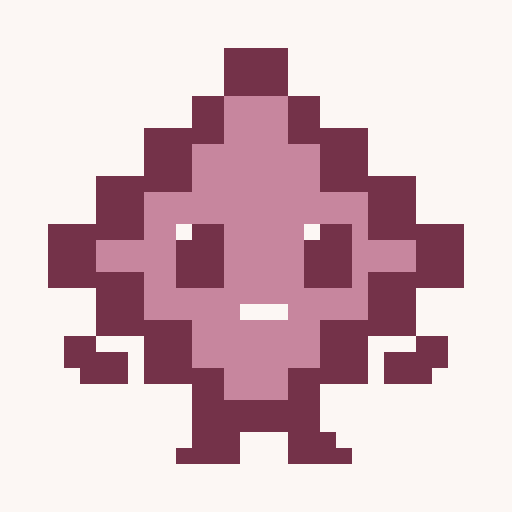 03 / A BRIGHT IDEA
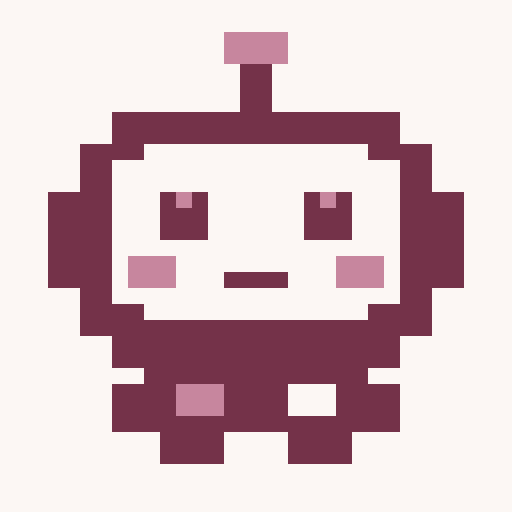 04 / THE HELPER
These are artwork starters, ready to make your own. They are not launched tokens.
Launch receipts are saved on this device. A coin appears as live only after confirmation on Solana.
Coin information comes from Pump.fun. A listing is not an endorsement.
A LITTLE LOOK AHEAD.
ALLOCATION SANDBOX / EXAMPLE ONLYCOMMUNITY REWARD POOL
UNITS
The pool shared equally between three example holders.
- HOLDER 0133.33%
- HOLDER 0233.33%
- HOLDER 0333.33%
Bar scale: 0–70% of example fees. No wallets. No payments.
FIND YOUR STARTING POINT
DIFFERENT COINS.
DIFFERENT PLANS.
CREATOR 30%PROJECT 20%REWARDS 50%
A preset updates the planner above. Fine-tune it from there.
YOUR DRAFTS 0
SAVED ON THIS DEVICENothing here yet. Your next idea could be.
What happens next?
Connect your Solana wallet, add your coin details and artwork, then review the creation transaction in your wallet. Your coin is only listed as launched after an onchain confirmation.
How do rewards work?
Choose standard creator fees or Pump holder rewards in the launch form. Pump holder rewards are a permanent token setting. The calculator above is an allocation sandbox; its custom percentages do not change the onchain fee mode.